01
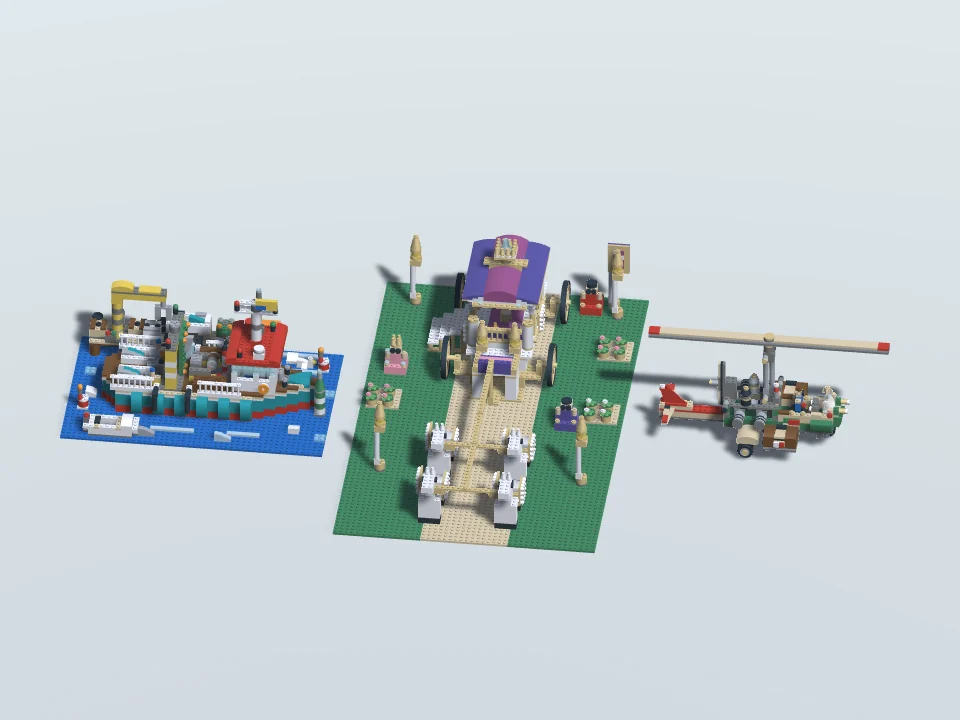
Pick your set.
Find the one you want to build.
A set. Clear instructions.
And the pleasure of seeing it take shape.
Choose a brick set and build it step by step, from the first piece to the finished model. On your own, together in the same room, or with friends online.
View on Meta Quest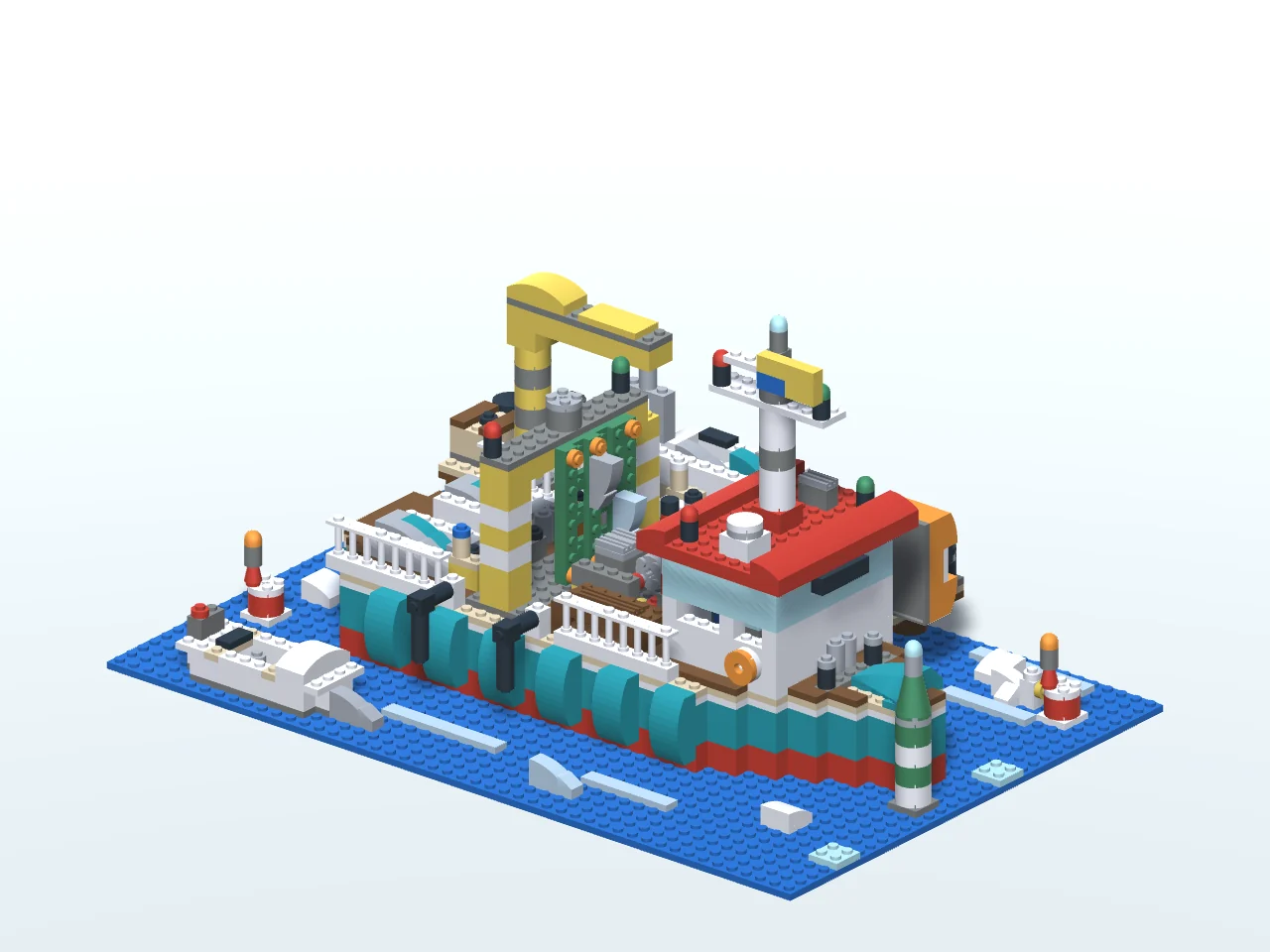
Much more in game!
Find the one you want to build.

One step at a time, all the way to the finished model.

Change the colours. Add your own ideas.
Another pair of hands. A whole new idea.
Share the same construction in the same physical space, each with your own Quest headset. Add a piece, exchange ideas and see what you can make together.
Friends further away? Meet online and build a joint project from a distance.
Each player needs a compatible Quest headset and access to the game. Online multiplayer and the community Workshop are for ages 13 and over.
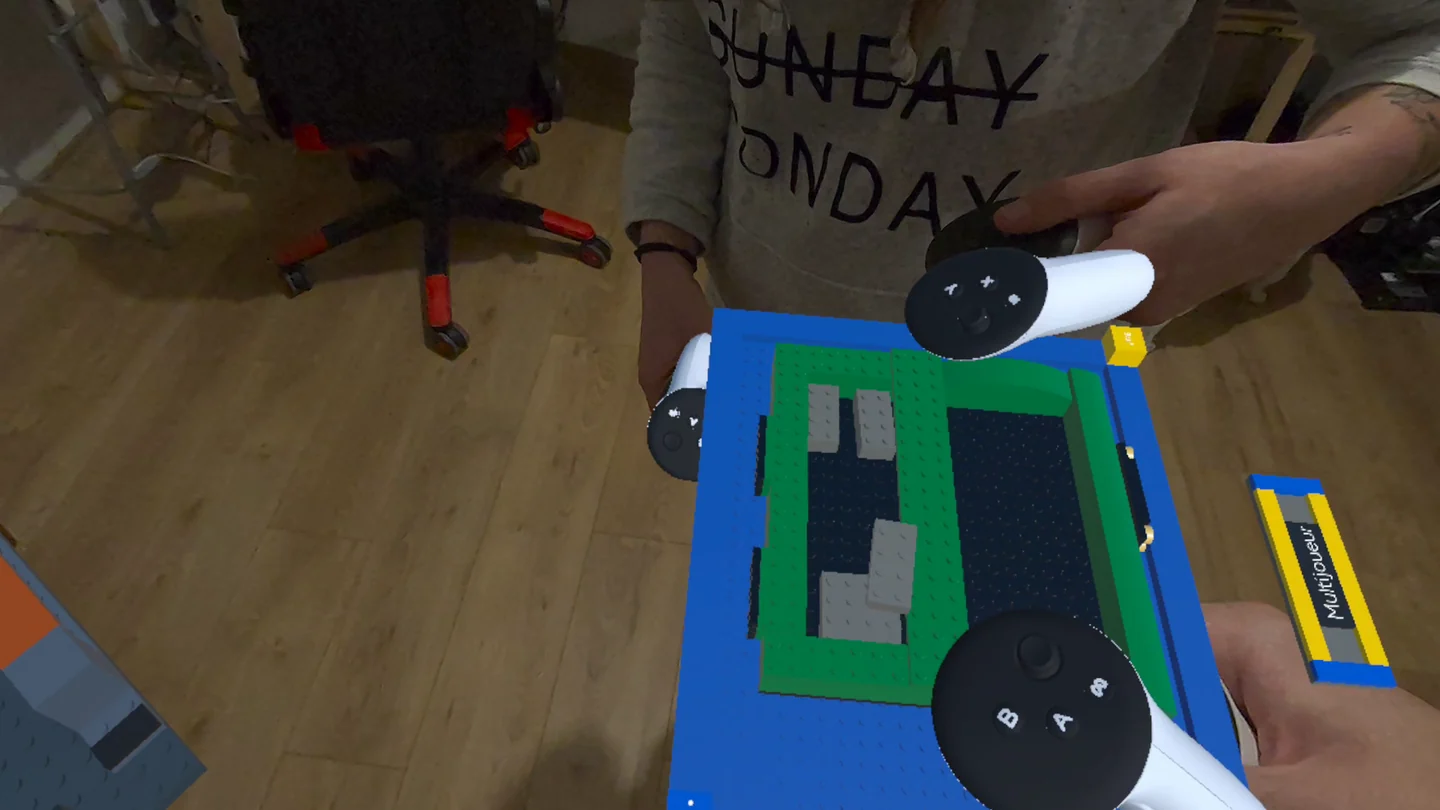


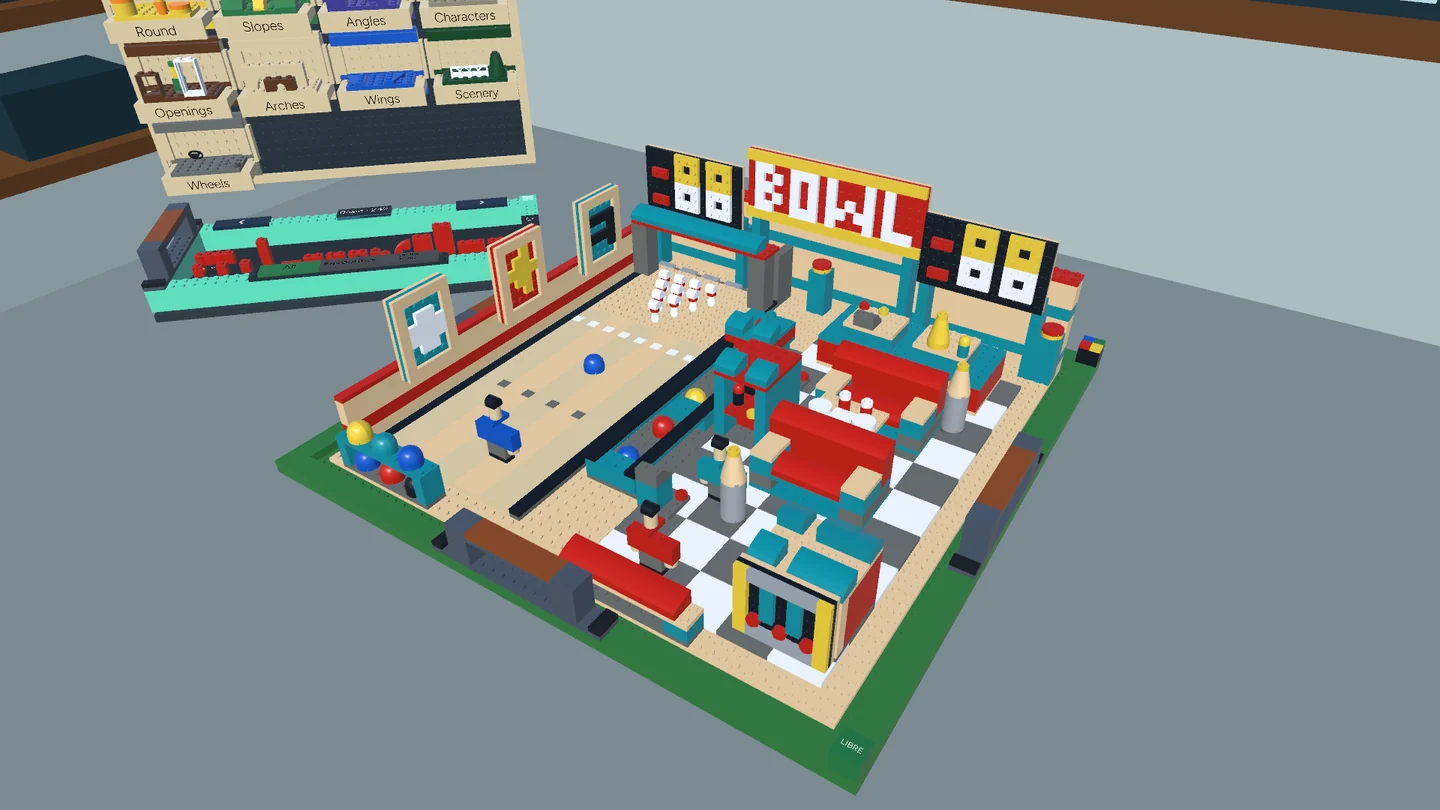
Your workshop, your way
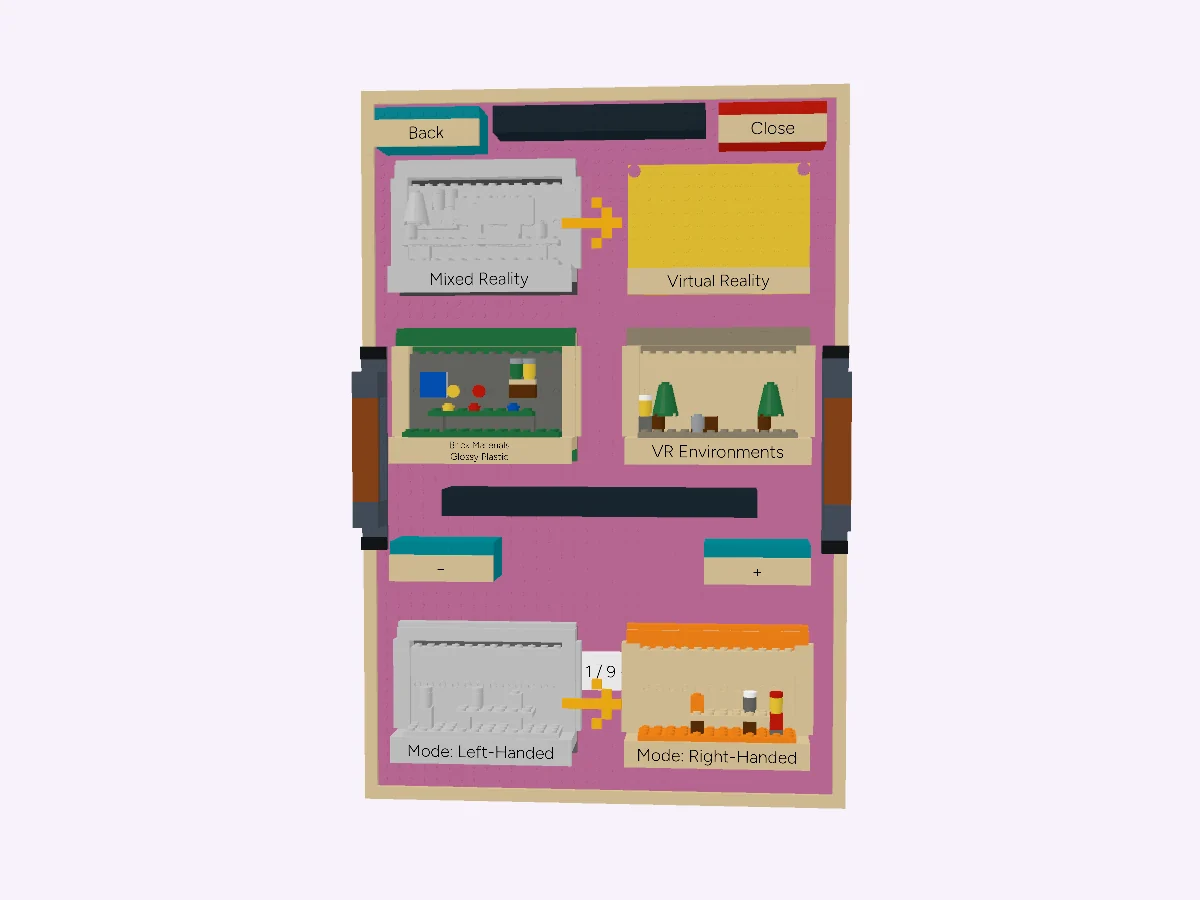
Keep your surroundings in view with mixed reality, or step into a virtual workshop. Play seated or standing, with your Touch controllers.
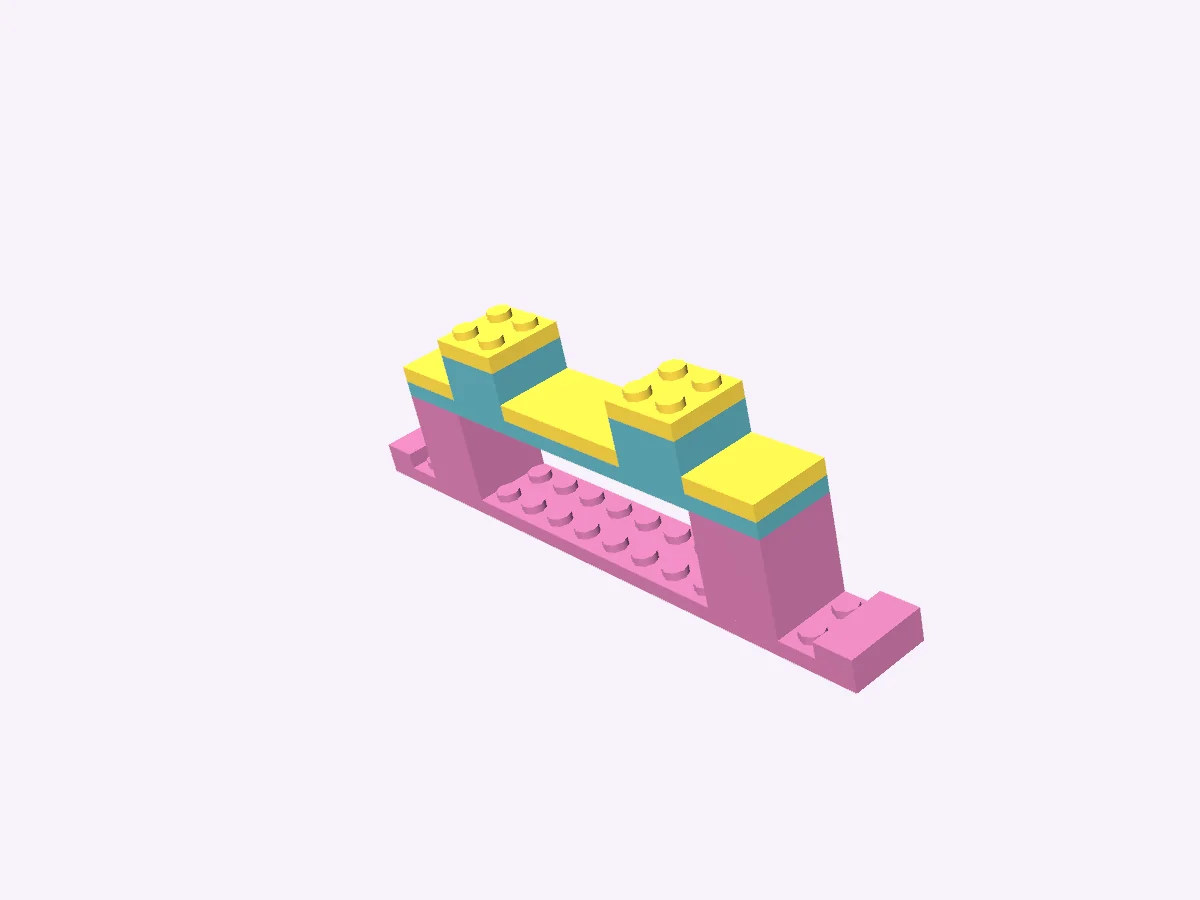
Your catalogue is within reach. Even the trays, handles and menus are made from bricks.
Choose a buildOpen the game’s Meta Quest page for purchase and compatibility details. There is no subscription.
A Meta Quest headset and Touch controllers. See the Meta Quest listing for device compatibility. You can play seated or standing, in virtual or mixed reality.
Yes. Solo building works offline. Online multiplayer and the community Workshop need an Internet connection.
Yes. The ten models above are selected from the game’s building catalogue. Pick one to explore it here, then follow its instructions in the game. There are more builds to discover in your workshop.
Yes. Build freely, save your designs and create their building instructions. You can also share your creations through the community Workshop.
Yes, in the same room or online. Each player needs a compatible Quest headset and access to the game. Online multiplayer and the community Workshop are for ages 13 and over.
Briques en VR, an independent studio in France. The game uses the LDraw Parts Library and its contributors’ work. It is not affiliated with LEGO or LDraw.org. See the credits and legal information.
One piece is all it takes to begin
Your next project is waiting in your workshop.